Laying Out a Spread
You can layout a predefined Spread by choosing a spread from the My Spreads menu.
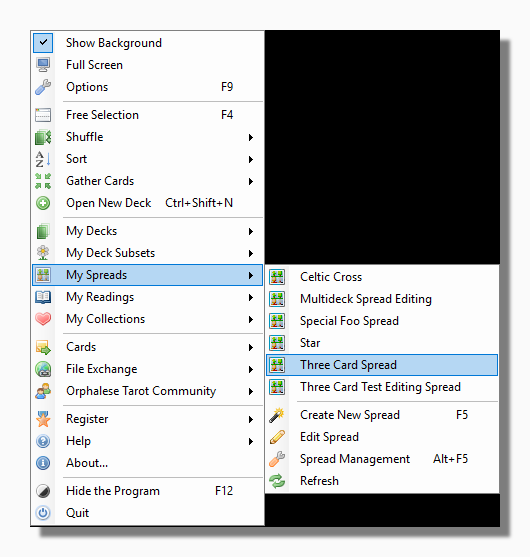
For help acquiring more spreads see Exchange Spreads.
For help creating your own spreads see the section on Creating and Editing Spreads.
By default the deck does not receive an extra shuffle before dealing out a spread, but you can set this option by choosing "Always shuffle before dealing a spread"
from the Cards tab of the Options form.
If you have also chosen the option to keep shuffling until you click on the deck (by unchecking "Use timed shuffle" on the same tab) then the deck will
shuffle until you click on it, at which point the spread will be
laid out.
Before the spread is dealt out the deck will be parked and you will be prompted to gather any other cards that are out. You can read more about changing these preferences
here.
When the spread is laid out you can hover your mouse over any card to see the notes for that spread position followed by the notes for the card.
Tip: You can set shortcut keys for your favourite spreads on the Keys tab of the Options form.